An Introduction to Optimize Quality Prompts


Continuing the series of previously published articles introducing positive prompts and negative prompts, in this article, we will introduce quality prompts.
Quality refers to the overall appearance of an image. Related metrics include resolution, sharpness, color saturation and so on. A high-quality image will perform better on these metrics. We hope to generate high-quality images, and therefore, prompts are crucial.
Common quality prompts include: best quality, masterpiece, ultra detailed, ultra high definition, 4K and so on.
It is important to note that for the commonly used SD1.5 version models, adding quality words to the prompt is necessary. If you are using a newer SDXL version model, it is not necessary to add them, as quality prompts have very little impact on the generated image; SDXL models generate high-quality images by default.
This is because SD1.5 version models were trained using images of various different qualities, so quality prompts are needed to tell the model to prioritize high-quality data when generating the image.
The two images shown below use the exact same base model and generation parameters. The only difference is that the second image on the bottom was generated using the quality prompts "8K, best quality, 4K, UHD, masterpiece," while the first image on the bottom left was generated without any quality prompts. As you can see, the image quality of the second picture is significantly higher than the first picture on the bottom.
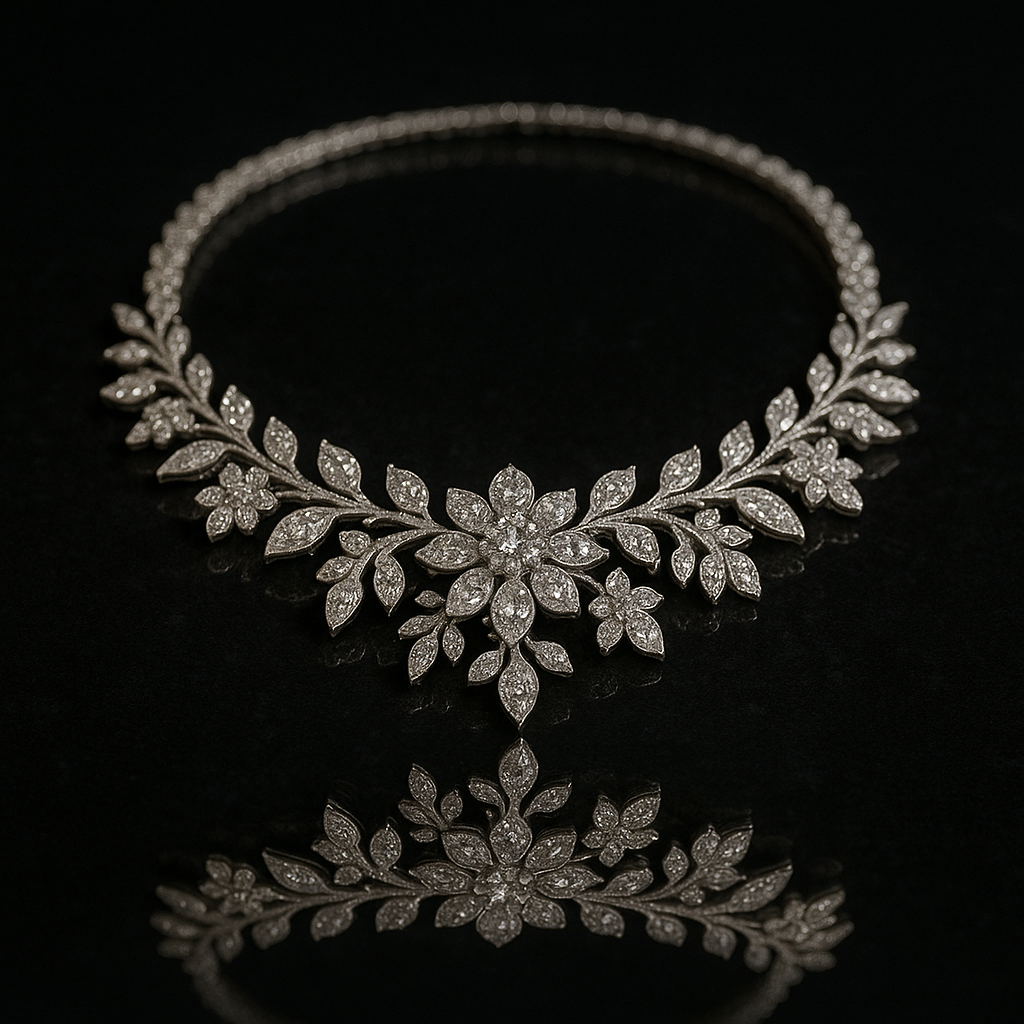
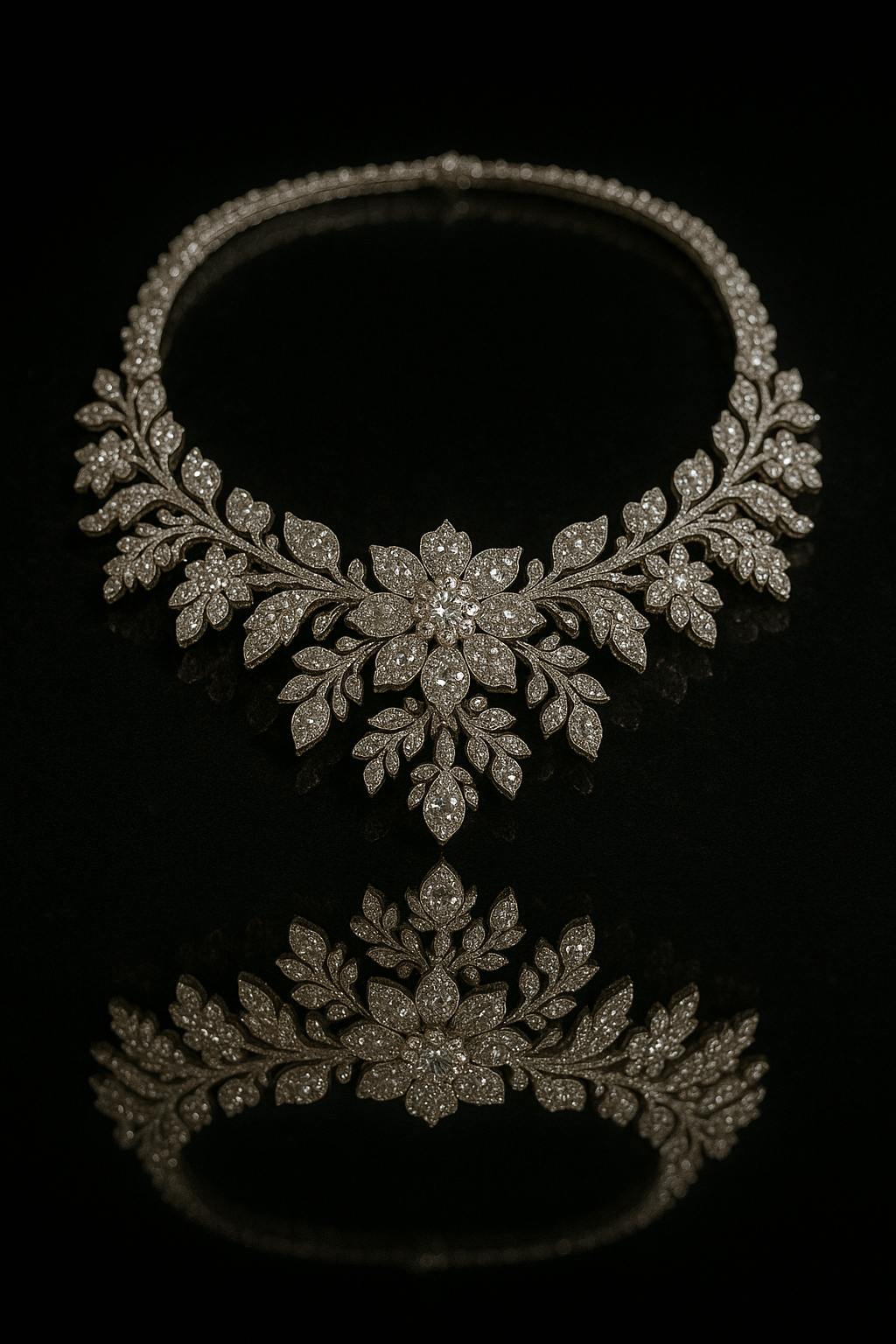
Now, you can also try to use these prompts to improve the quality of the images you generate.
Unlock Full-Powered AI Creation!
Experience ComfyUI online instantly:
https://market.cephalon.ai/share/register-landing?invite_id=RS3EwW
Join our global creator community:
Collaborate with creators worldwide & get real-time admin support.