Exploring ComfyUI: Equipping Stable Diffusion with a “Remote Control You Can Tinker With Yourself”


If you've recently ventured into the world of AI art generation, chances are you've heard the name ComfyUI mentioned.
Many people's first reaction is: “Is this yet another new software? How does it relate to Stable Diffusion? Is it hard to use?”
Rather than calling it difficult, it's more accurate to say it's something that “grows on you the more you explore it.” This article aims to help you grasp its core concepts in a more accessible way.
I. Think of ComfyUI as a “Lego-style workbench”
Imagine this: The entire Stable Diffusion image generation process is like building a complex Lego model. Traditional tools (like Automatic1111) assemble the parts for you—press a few buttons and you get an image—but you might not see how it all works internally.
ComfyUI breaks these parts down and lays them out before you.
It lets you freely assemble Stable Diffusion's entire generation workflow like building blocks.
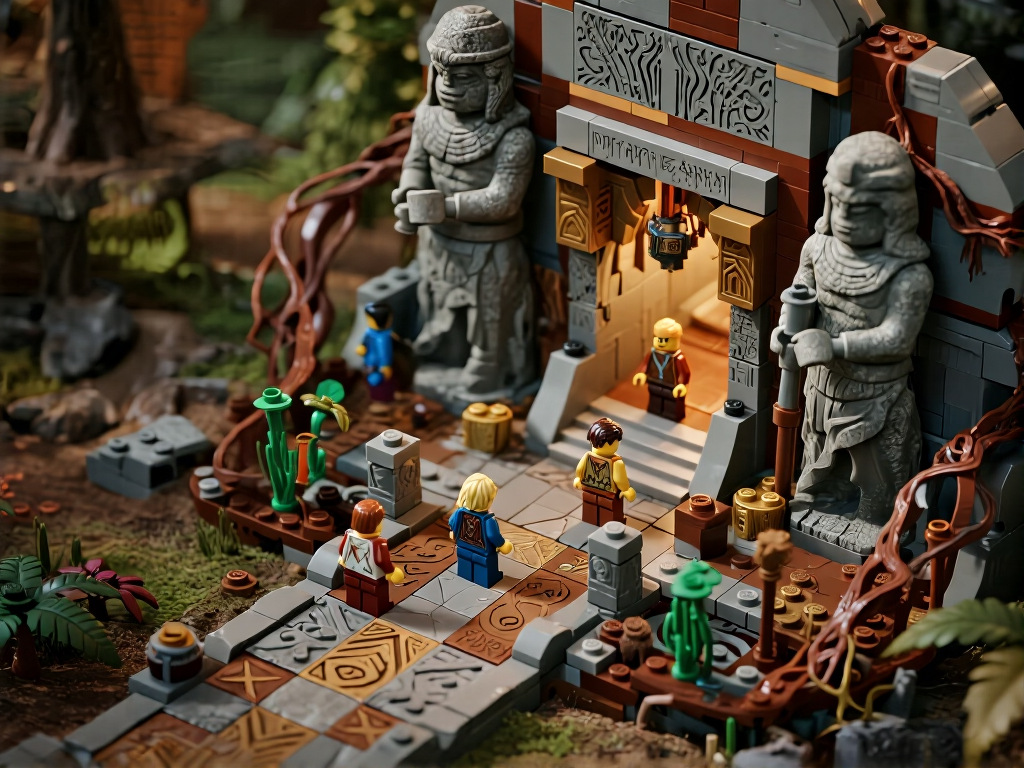
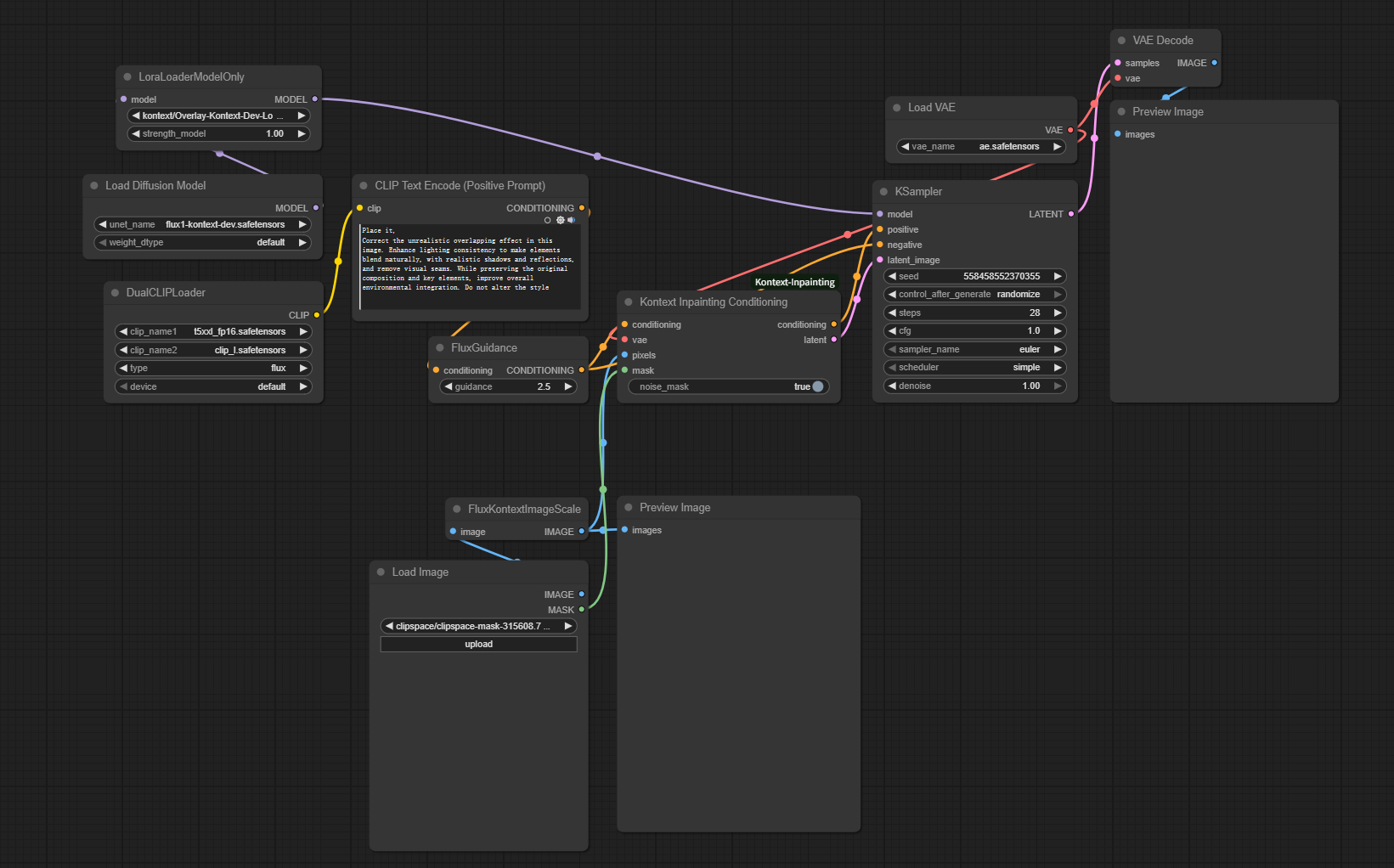
These “blocks” are its “nodes.”
You can drag a node over, connect it to another node with a wire, and have them execute tasks according to your vision, ultimately assembling your own image generation pipeline.
This approach offers several tangible benefits:
- Ultimate flexibility: You're no longer confined to the tool's fixed templates. Assemble however you like—the workflow is entirely your own design.
- Reusable pipelines: Tuned workflows can be reused repeatedly. Repetitive operations can be invoked with a single click.
- Hardware-friendly: It's exceptionally GPU-friendly. Many users with modest graphics cards report smoother and faster performance compared to traditional interfaces.
Therefore, ComfyUI isn't “a more complex Stable Diffusion”—it's “a visual toolkit that gives you greater control.”
II. Stable Diffusion is the true “artist” behind the scenes
Before diving into node configuration, one crucial point:
ComfyUI doesn't draw—it only “directs.”
The actual image generation comes from the familiar Stable Diffusion.
A quick background overview clarifies their relationship:
- Developer: Released by Stability AI in 2022 as a groundbreaking open-source model.
- Core Tech: Based on Latent Diffusion Model research.
What Can SD Do?
A deep learning text-to-image model that:
- Generates images from prompts (e.g., "a cyberpunk cat in a space helmet").
- Creates detailed, stylistically diverse artwork.

SD's Strengths:
- Open-source & free
- High-quality output
- Fast generation (vs. earlier AI art models)
Multi-functional:
- Image-to-image transformation
- Inpainting/outpainting
- Style transfer
SD Applications:
- Concept art for games/film
- Social media content creation
- Product prototyping
(Example prompt: "Serene lakeside, morning mist, cherry blossoms,Chinese Aesthetics")

ComfyUI + SD = Flexible Power
If WebUI (e.g., Automatic1111) is a standard remote control, ComfyUI lets you rewire its circuits. Customize nodes to build your ideal toolkit.
Why Beginners Should Care:
- Efficiency boost: Reuse workflows for batch processing.
- Hardware accessible: Runs smoothly on modest GPUs (min 3GB VRAM).
- Granular control: Fine-tune every generation step.
- Thriving ecosystem: Active community with plugins supporting latest models (e.g., SDXL).
In Summary:
- Stable Diffusion: AI powerhouse generating images from text.
- ComfyUI: Custom "remote control" for SD via node-based workflows.
Learning Path: Start with intuitive WebUI, then advance to ComfyUI for efficiency/deeper control. Understanding this relationship demystifies ComfyUI's interface—it’s your visual command center for the AI artist!
Unlock Full-Powered AI Creation!
Experience ComfyUI online instantly:
https://market.cephalon.ai/share/register-landing?invite_id=RS3EwW
Join our global creator community:
https://discord.gg/MSEkCDfNSW
Collaborate with creators worldwide & get real-time admin support.